Finding your way around
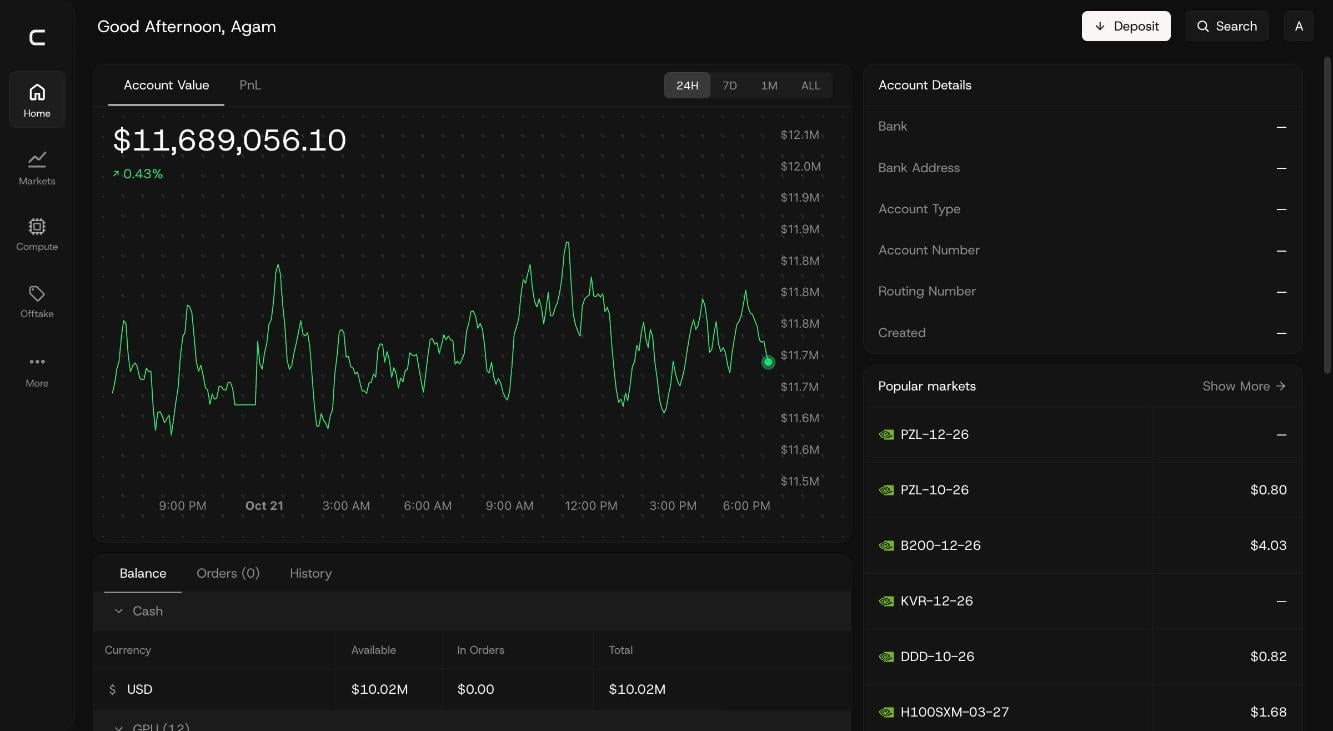
- Home: your account value and PnL over time, your Balance (cash, then every contract you hold), your open Orders, your History, and the Popular markets list.
- Markets: every contract, in two tabs: GPU Markets and BASIS Markets.
- Compute: what you can deploy this month, your balance by contract, and your Active Capacity.
- Offtake: providers’ listings, your offers, and your purchase history.
- More: Txns (every transaction), Referral, API (your API keys) and Docs.
